
01
Complete
It has a beginning, useful middle, and clear landing without the full video.
Emelyn searches an approved video for complete, useful moments, then helps you check the words, crop, captions, rights, channel treatment, and context before publishing.
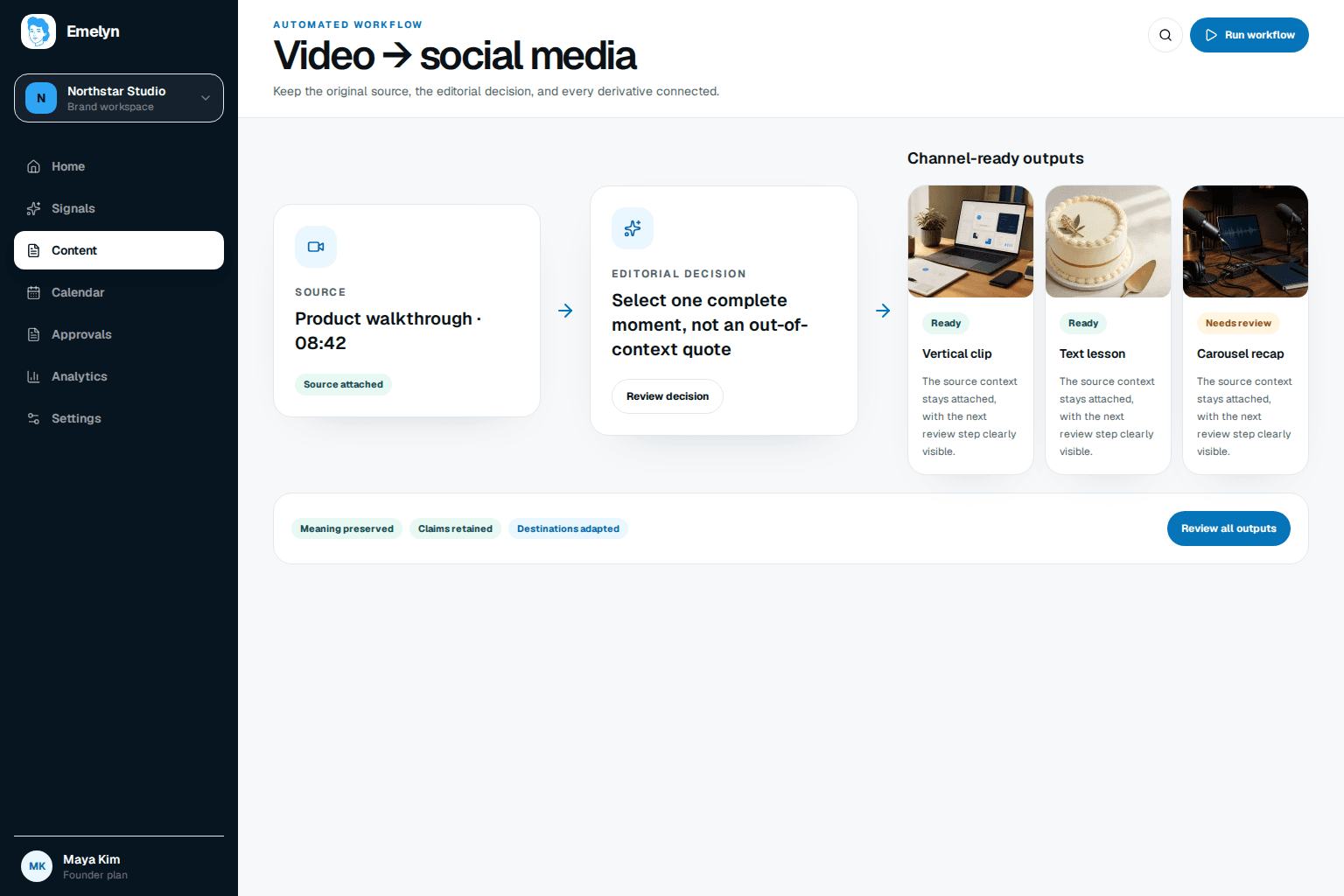
The moment has to survive outside the original video without becoming confusing, misleading, or awkward in the feed.
01
It has a beginning, useful middle, and clear landing without the full video.
02
The transcript, speaker, product facts, and surrounding context support it.
03
The speaker, music, footage, and brand assets are cleared for this use.
04
The crop, captions, opening second, length, and call to action fit the destination.
Emelyn finds several quotable moments. Only one is complete, cleared, and useful enough to develop now.
Starts mid-sentence and depends on an earlier example.
A complete 44-second story with a useful change and result.
Useful follow-up, but the customer result needs permission.
Keep the complete 11:08–11:52 story.
Set safe crops for vertical and square output.
Review every caption and speaker label.
Confirm context, rights, and the final version.
The selected moment becomes the source for several treatments, but only where the format adds value.
Instagram Reel
Vertical crop, corrected captions, and a first-second hook.
The same fix, rebuilt as an operating lesson with more setup.
YouTube Short
A different opening and a route to the full interview.
Human review covers crop, captions, rights, and context.
Explore approval workflowsA problem in one moment should not corrupt the whole source or disappear behind an automatic edit.
Show the uncertain words and require a caption check.
Choose another crop, add a layout, or keep the original format.
Hold that moment even if the rest of the video is approved.
Remove or replace the music before creating a clip.
Add the setup in the edit or use a text post instead.
Compare completion, useful replies, profile visits, source-video starts, and the questions created by each treatment. Then decide whether to make another clip, develop the lesson in text, or stop.
Strategy update
If the handoff lesson earns qualified conversation but the clips do not drive full-video starts, keep the topic and change the role of video in the next plan.
People report that automated first cuts remove the biggest bottleneck, but platform-native hooks, accurate captions, voice, old timestamps, and human editing still decide whether the result feels useful.
It can suggest complete, relevant moments. It does not promise virality, and a person can reject any selection, adjust the transcript, or choose a moment manually.
Only when the moment, crop, length, captions, and opening work for each destination. The same lesson may be better as a Reel on one channel and a text post on another.
Use video you are allowed to process and republish. Guest, customer, music, stock-footage, and location rights may differ even inside one source file.
Pillar
Keep context, rights, and the source lesson intact while giving it a new format.
ExplorePlatform
Check the opening, crop, captions, length, and creator control for a native short video.
ExploreIntegration
Carry the source, rights state, review result, and destination through one scenario.
ExploreFree tool
Build a caption from the clip's actual lesson instead of generic video filler.
Explore