
Feed post
A single visual that still makes sense in the profile grid and at full size.
Plan the job, choose the right Instagram format, review what people will actually see, schedule it, and learn from the action the post was meant to earn.
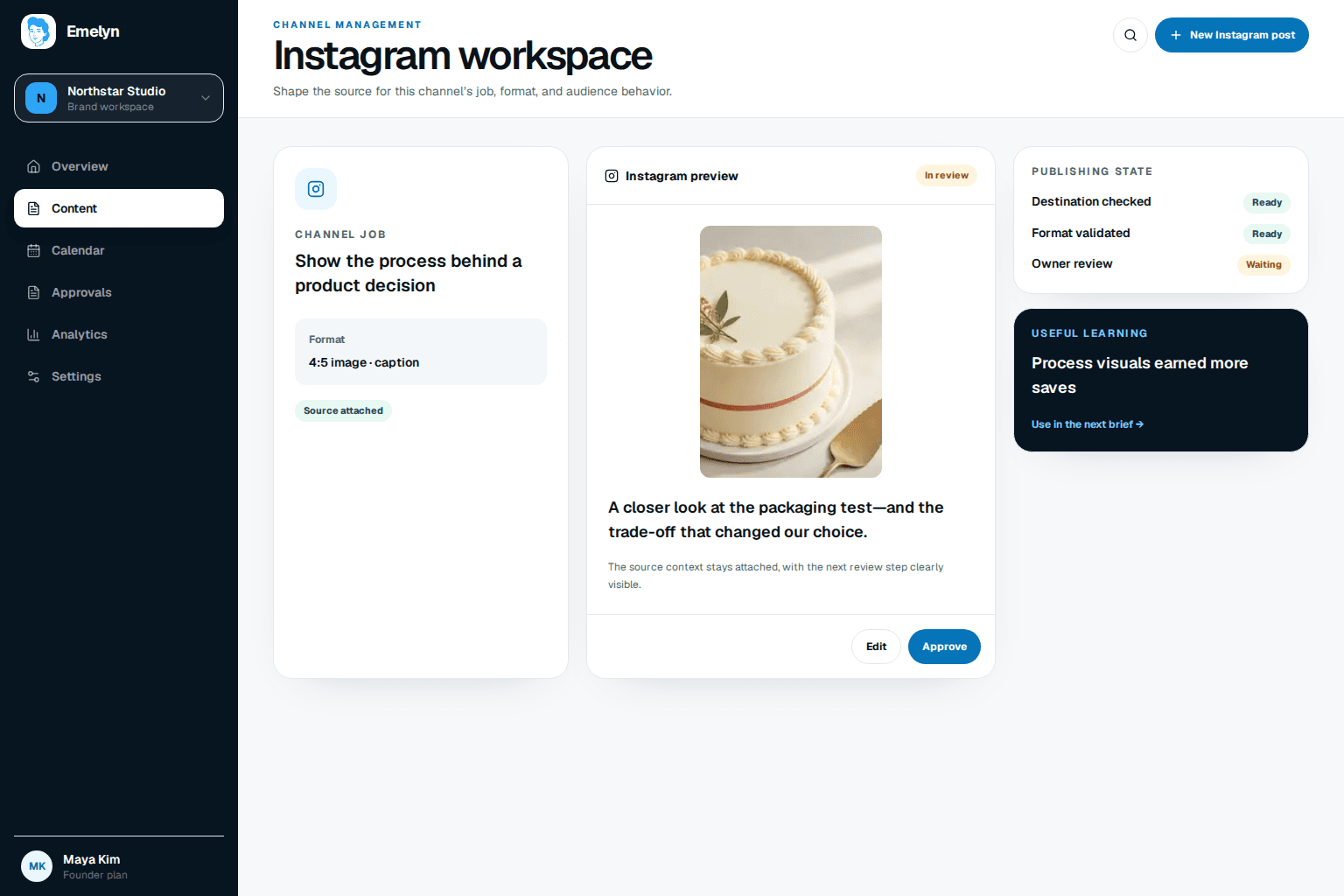
Start with what the idea needs: sequence, motion, immediacy, or one strong visual. Then create for that experience.
A single visual that still makes sense in the profile grid and at full size.
A sequence where every slide earns the swipe and the ending completes the idea.
A complete vertical video with a strong opening, captions, cover, and reviewed audio.
A timely update that may need native stickers, music, or a final handoff in Instagram.
Creator discussions keep returning to the same friction: finding a worthwhile angle, shaping a clear sequence, preserving quality, and avoiding the same AI look as everyone else.
Catch a poor cover crop, repeated visual rhythm, or unreadable first slide before it reaches the grid.
Judge the opening, slide order, motion, caption, accessibility, and ending where people will consume them.
The goal is saves from new customers. The carousel opens with the problem, gives three small actions, and closes the loop. It does not stretch one sentence across ten slides.
Measurement job: saves and qualified profile visits
Name the week
Plan less
Build tiny habits
Make room to recover
Choose tomorrow’s first step
If people save the plan but do not visit the profile, the post may have completed its job. The next decision comes from the goal—not from treating every metric as a funnel failure.
A green calendar slot is not enough. Emelyn checks the connected account, final media, publishing choices, and any step that must happen natively.
For a saveable guide, look at saves and useful profile visits. For a Reel, inspect watch time, completion, replays, shares, and comment themes. For a local offer, follow the destination action.
One next decision
Keep the five-slide structure, try a more concrete cover, or stop a format that consumes production time without serving its intended audience.
Practitioners describe bouncing between tools, weak carousel structure, grid-preview surprises, and native options that external tools cannot always reproduce. Competitor pages lead with breadth; this page makes the format and final review the center of the job.
Yes. The profile-grid preview sits beside the full post so you can catch an awkward crop without letting the grid become the whole strategy.
Yes, when the connected account and final media meet Instagram’s current publishing requirements. Each asset is checked before scheduling.
Emelyn keeps that step visible and hands over the finished asset, copy, and instructions. It does not claim that a native-only effect or interaction was added.