
Changelog only
A fix, maintenance change, or small improvement people need documented but not promoted.
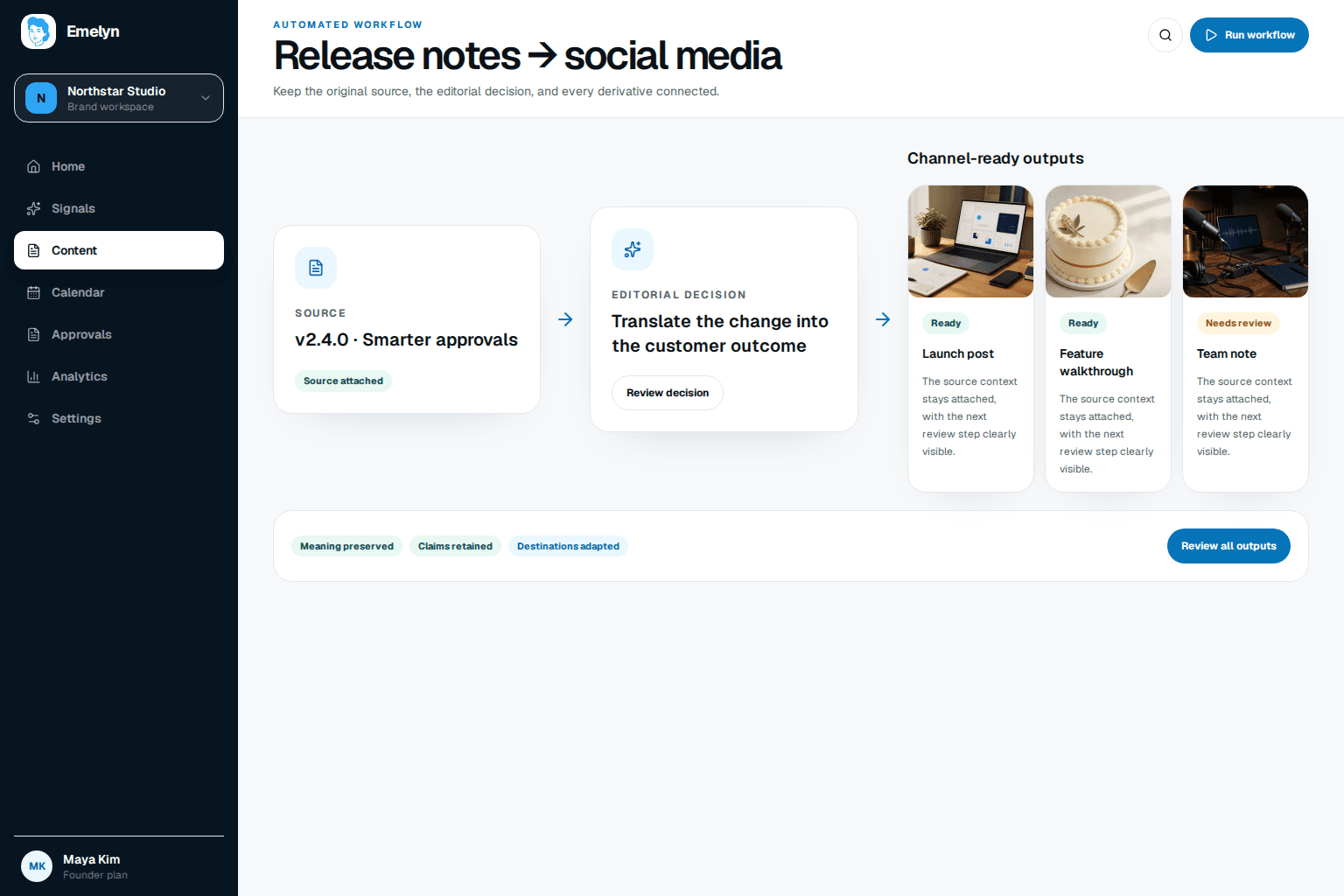
Emelyn checks the release facts, decides whether the update needs a changelog entry, customer update, or social campaign, prepares the right message for each channel, and waits for product approval before publishing.
Good release communication starts by matching attention to impact. Document everything that users need to know; promote only the changes that deserve their time.
The promotion level is a recommendation. The product owner can change it before content is prepared.
A fix, maintenance change, or small improvement people need documented but not promoted.
A useful workflow improvement for a clear group of existing or prospective users.
Selected for the example below
A substantial release with broad relevance, strong proof, and enough material for several distinct posts.
Engineering notes describe what changed. The public brief adds the audience, benefit, availability, proof, limits, and owner needed for responsible communication.
This fictional demonstration starts with a modest product improvement. It earns a customer update, not a major launch campaign.
Saved report views let you return to a regular analysis without choosing the same filters again. The final post includes the approved availability and help link.
The shorter post uses the same approved fact, then points to the release note rather than making a broader promise.
Approval gate
Both posts remain held until the product owner confirms availability and the release signal arrives.
A calendar date is not proof that the product is ready. The workflow links every announcement to an approved release state.
Confirm facts, audience, screenshots, plan access, links, owner, and embargo.
The product owner approves the exact facts and the final content version.
Destination checks run, then eligible posts publish or show why they stopped.
Compare attention with feature interest, useful questions, and adoption where measurable.
A delayed, narrowed, or rolled-back release should not leave old social posts moving toward publish.
Do not schedule a claim such as “available to everyone.” Ask the product owner.
Move or pause every linked announcement. Do not let the old publish time survive.
Hold visual posts until an approved image reflects the released experience.
Stop queued posts and prepare a clear customer update if the change affects people.
Require approval again for the changed version.
Carry the announcement goal into reporting. Then use questions, visits, and feature interest to improve the next release message and the broader product strategy.
Did the announcement bring the intended audience to the release or help page?
What did people still need to know about fit, access, or use?
Where measurement is reliable, did the right accounts try the released workflow?
Which product improvements deserve education, proof, or a larger campaign next time?
The live US results focus on audience impact, channel choice, and announcement restraint. Practitioner discussions add the missing operating detail: product supplies the facts, marketing shapes the message, and larger changes need a different workflow.
Release notes can feel too technical; the public message still has to convey the real user value.
Read sourcePeople distinguish small updates from changes that need coordinated email, social, training, or customer communication.
Read sourceLead with user impact and choose the announcement channel according to the importance and audience of the update.
Read sourceNo. Many fixes and small improvements belong in the changelog only. Social promotion is useful when the change matters to a recognizable audience and there is a clear benefit to explain or show.
Include what changed, who benefits, availability, limitations, approved wording, screenshots, help links, the product owner, the release time, and what should happen if the release moves.
Yes. Drafts and review can happen before release, but publishing should wait for the approved availability signal and destination checks. An embargo or uncertain date must remain visible.
Release notes document the change accurately. A social announcement selects the audience benefit and adapts it for a channel without hiding important limits or inventing excitement.
Look at the intended outcome: qualified visits, feature-page views, useful questions, trial or account interest, and feature use where attribution is reliable. Likes alone do not show adoption.
Pillar
Keep facts, approvals, delivery status, and recovery attached before widening automation.
ExplorePlatform
Give the professional audience the product change, proof, limits, and useful next step.
ExploreIntegration
Use the verified release state and tag instead of treating every commit as an announcement.
ExploreFree tool
Try an evidence-backed LinkedIn post before connecting the complete release workflow.
Explore