
Personal profile
Use real observations, decisions, lessons, and expertise that belong to the selected author.
Plan for a personal profile or company Page, create in a supported LinkedIn format, review the exact asset, schedule it, see the publishing state, and learn from the response that matches its purpose.
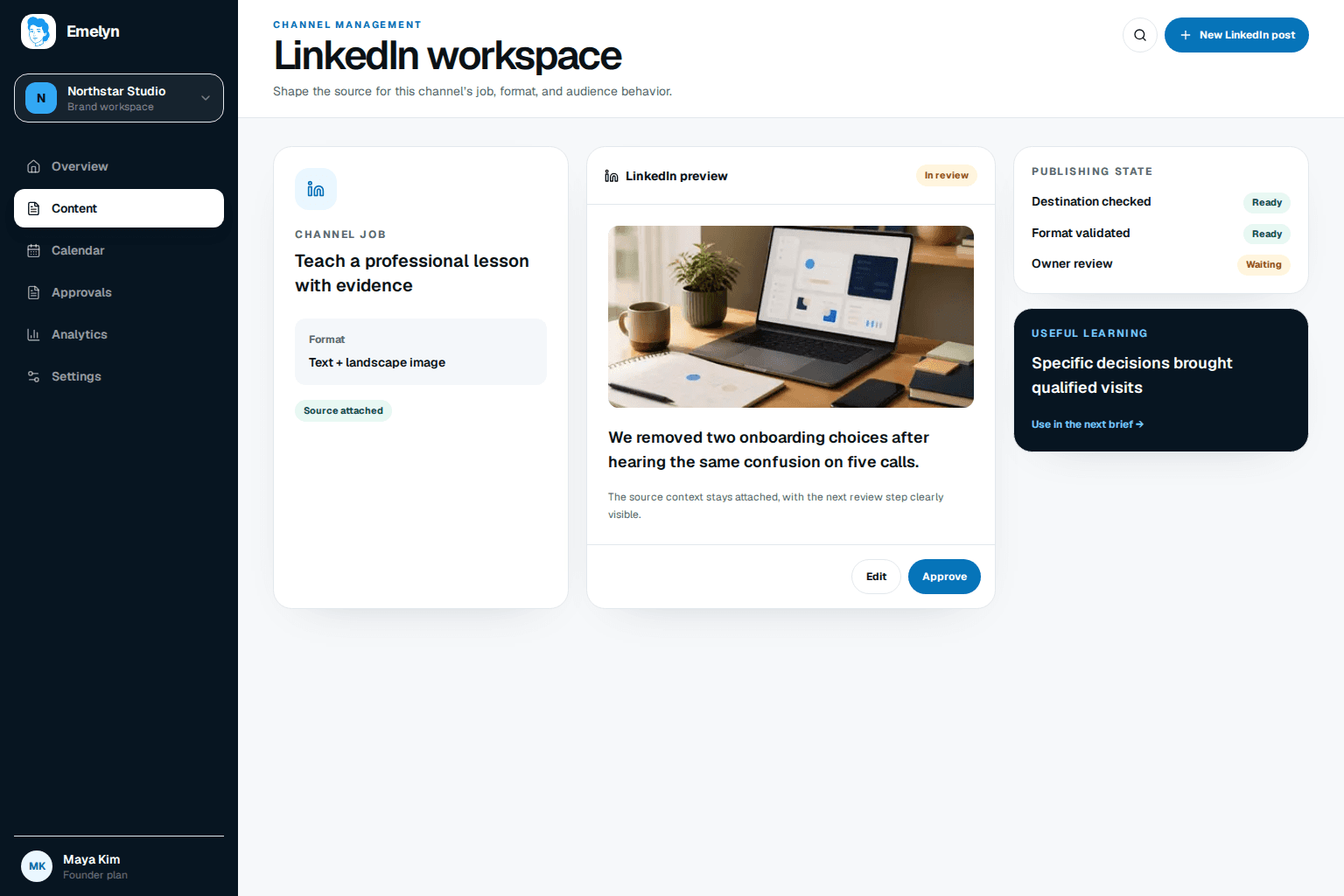
A person can share firsthand experience and invite peer discussion. A company Page can publish product proof, customer education, hiring context, and a durable company point of view.
Use real observations, decisions, lessons, and expertise that belong to the selected author.
Use approved company evidence, product context, customer education, and a consistent organizational voice.
LinkedIn’s current Posts API supports organic text, images, videos, documents, articles, multiple images, and polls. The common content formats below are the starting set in this workflow.
A specific lesson, question, point of view, or link with enough value in the post itself.
Screenshots, diagrams, examples, or a visual sequence with reviewed alt text.
Uploaded video with title, reviewed captions, thumbnail, and a complete opening.
PDF, PPT, PPTX, DOC, or DOCX material uploaded as a native document.
Platform facts last checked 29 August 2026 against LinkedIn’s versioned Posts, Post Schema, Videos, Documents, and MultiImage documentation.
Emelyn asks LinkedIn for the minimum publishing access needed for the selected account. It does not treat a successful login as proof that every Page or action is available.
Choose a connected personal profile or company Page before writing the brief.
Personal publishing uses member write access. Company publishing also requires a permitted Page role.
Images, videos, and documents finish processing before the post is eligible to publish.
Mentions, links, alt text, document title, captions, and destination are checked on the final version.
A customer interview and internal analysis support one useful lesson. The personal-profile draft explains the change in plain language and attaches a four-check PDF people can use without leaving the feed.
Opening
We used to think handoffs were just about speed. Customers told us otherwise.
The post explains the operational lesson, names the four checks, invites other operators to share what works, and uses the full PDF as supporting depth—not as a reason to withhold the useful idea.
LinkedIn’s native product and external publishing API are not identical. Emelyn checks the connected route instead of assuming every native format can be scheduled externally.
LinkedIn’s Posts API lists carousels for sponsored content, not organic posts. Use an eligible multi-image or document treatment instead.
The API schema describes this organic format but says it cannot currently be created through an external API.
A connected account can lose the company role required to publish. Emelyn stops and asks the owner to reconnect or choose another author.
LinkedIn versions its Marketing APIs by month. Emelyn checks the current version and keeps a failed post available for a safe retry.
Before a LinkedIn post moves, Emelyn confirms the author, write permission, Page role when applicable, processed assets, resolved mentions, reviewed alt text or captions, approval rule, and final destination. The post then shows scheduled, publishing, published, or needs-attention state.
Carry the goal into measurement: useful replies, saves, qualified profile or Page visits, document interest, link visits, or another clearly defined action. Compare like jobs and send one keep, try, or stop decision back to strategy.
Example learning
If operator replies reveal that ownership is harder than speed, develop that question next instead of turning one high-reach post into a universal format rule.
Practitioners repeatedly describe generic AI writing, forced inspiration, and copy-paste formatting as the reason LinkedIn feels awkward. The useful counter-pattern is a concrete thing someone learned, built, changed, or observed for a specific audience.
Yes, when the selected account has the required LinkedIn access. The author is chosen in the brief because a founder profile and a company Page usually have different content jobs.
Yes. The document must use a supported file type, complete LinkedIn processing, have its title and post copy reviewed, and pass the selected publishing rule.
The page shows this as a manual step. If a platform action is unavailable or unsuitable through the connected publishing route, Emelyn keeps it visible instead of pretending it happened.