
What changed
State the update early. Dates and availability should not hide below a long introduction.
Write the post people need when hours change, appointments open, an event is coming, a common question needs an answer, or a local offer has a real deadline.
Write the Facebook post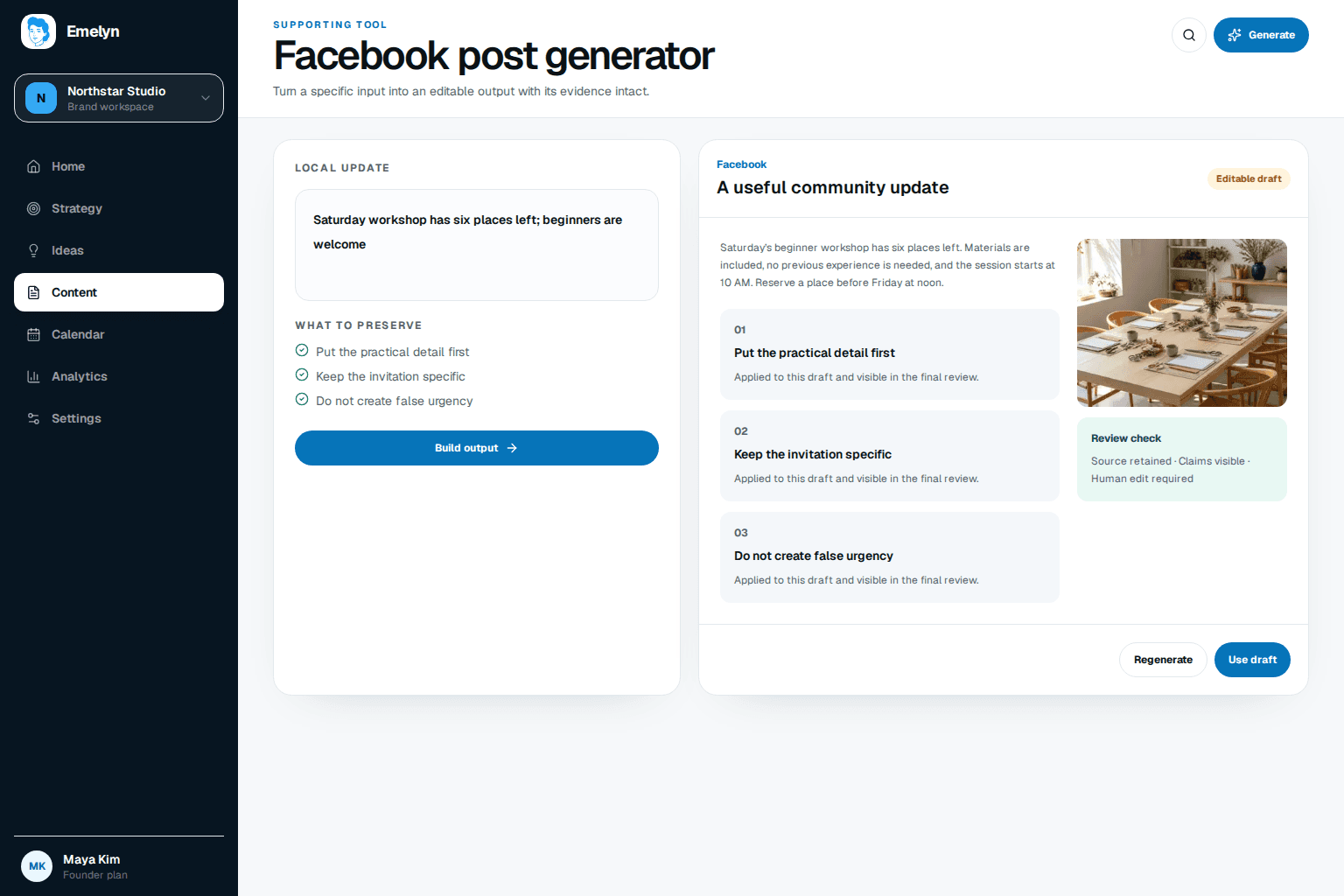
State the update early. Dates and availability should not hide below a long introduction.
Name the people or community affected, especially when the post is local.
Give one practical action and be ready to answer the first likely question.
Facebook is often where someone checks a practical detail before calling, visiting, booking, or sharing an update with a neighbor. Make those details easy to find.
No account needed, and this first result is not saved to an account.
Search results for “Facebook post generator” often mix writing tools with fake post screenshots. This tool only helps write copy. It never invents a profile, timestamp, comment count, customer quote, or social proof.
That distinction matters: the useful outcome is a post someone can understand and act on, not an image that pretends the audience already did.
No. It writes copy for a real Facebook post. It does not fabricate a screenshot, profile, likes, comments, dates, or engagement.
It is designed for practical business and community updates: availability, events, changes, useful answers, local offers, and news people can act on.
Not from this free writing tool. Review the result first. Emelyn's Facebook workflow covers approved scheduling and publishing where the connected account and format are supported.
Verify dates, times, location, availability, prices, eligibility, and contact details. Add a real image when the update refers to a place, person, event, or product.
Plan, schedule, publish, and learn from Facebook content with the wider channel workflow.