
Before publish
Source, audience job, copy, asset, owner, and approval stay together.
Plan dates and copy, but also keep the source, approval, published result, and next learning decision beside the work. The example is populated so you can see how every field is used.
Edit the calendar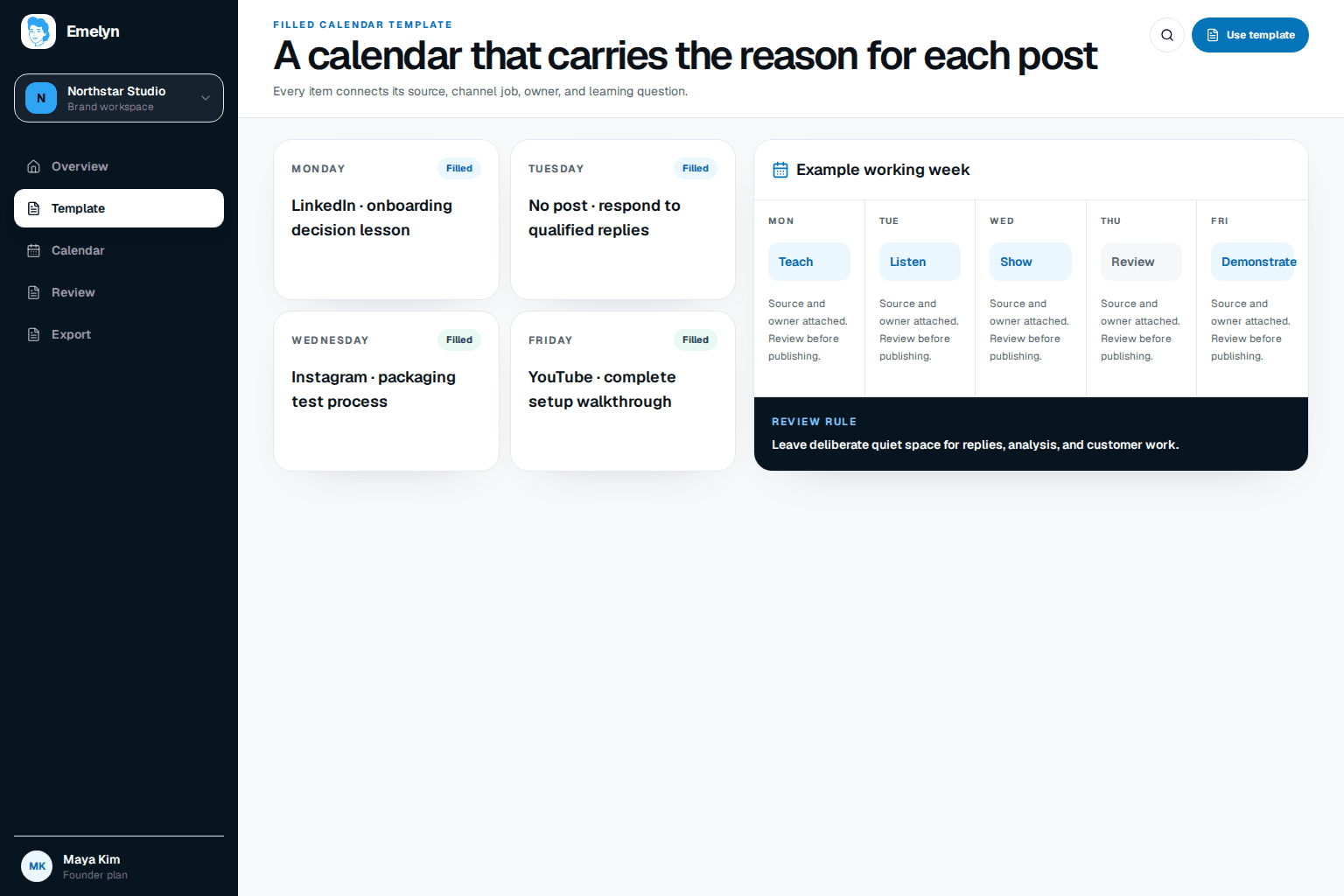
Source, audience job, copy, asset, owner, and approval stay together.
Timing and final URL confirm what actually shipped.
Outcome and next decision stop the calendar becoming an archive of activity.
Edit the example rows in place. Use one row per platform-specific post so the copy, format, approval, and result remain unambiguous.
Everything is editable here. Your changes stay in this browser until you download the file.
At minimum: date, channel, audience job, source, angle, format, status, copy, asset, owner, approval, publishing result, outcome, and next decision.
The source explains why the post exists. It may be a customer question, photo, release, review, market change, or first-hand observation—not merely a topic invented to fill Tuesday.
Yes. Download the CSV, then import it into either spreadsheet. Keep the status values consistent if you want to filter or build views.
The manual rows map to Emelyn's idea, draft, review, scheduling, publishing, and learning records. Automation removes re-entry while keeping the same decisions visible.
See the connected calendar for ideas, approvals, publishing, and learning.