
Custom webhook
Receive the article bundle and acknowledge it quickly.
Use a Make scenario to receive approved article data, filter it, map one clean bundle, create an Emelyn campaign, and handle each outcome without losing the source.
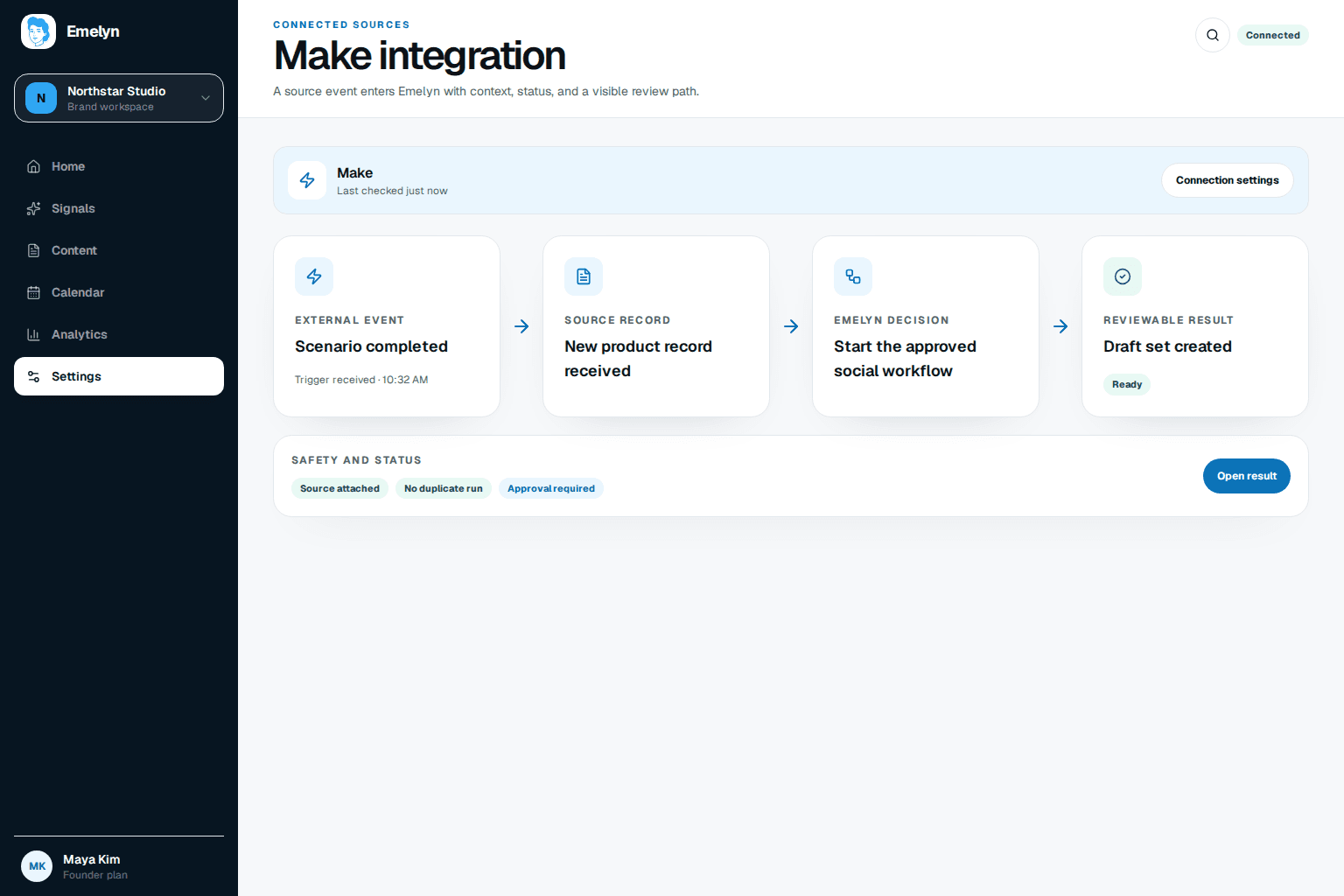
The approved flag decides whether a source may enter Emelyn. The HTTP result decides whether the scenario completes, waits, or needs correction.
Receive the article bundle and acknowledge it quickly.
Continue only when approved is true and the source is complete.
Create one review-mode campaign with a stable external ID.
Log campaign ID and continue the business workflow.
Store validation or permission details for correction.
Keep the Emelyn bearer token in Make’s encrypted connection, not a field.
Make’s numbered module references are powerful but easy to misread when data is nested. Test the module with a real sample bundle and keep field names visible.
{
  "workflow": "blog-to-social-media",
  "source": {
    "external_id": "{{1.article_id}}",
    "title": "{{1.title}}",
    "source_url": "{{1.canonical_url}}",
    "source_text": "{{1.summary}}",
    "media_url": "{{1.image_url}}"
  },
  "approval": { "source_actor": "{{1.approved_by}}" },
  "publishing_mode": "review"
}article_id→source.external_idtitle→titlecanonical_url→source.source_urlsummary→source.source_textimage_url→source.media_urlapproved_by→approval.source_actorBlueprint revision 1.0 · Emelyn API v1 · Last tested 29 August 2026 with Make custom webhook, JSON, filter, HTTP, router, and error-handler modules.
Make treats HTTP 4xx and 5xx responses as errors. Handle each class according to whether the same request can succeed later.
Wait for Retry-After, then resume with the same external ID and idempotency key.
Retry with a capped delay. Store an incomplete execution when attempts are exhausted.
Do not resume unchanged. Fix the missing or malformed mapped field.
Stop the scenario and reconnect the Emelyn connection with the required workspace permission.
Practitioner examples repeatedly add a review step, source logging, location context, and error handling after discovering that generated copy and webhook payloads need supervision.
No. The example creates an Emelyn campaign in review mode. Publishing happens only after Emelyn’s approval and platform-readiness rules are satisfied.
Retry rate limits and temporary server failures according to Retry-After. Do not repeat unchanged validation, permission, or mapping errors.
Yes, but a custom webhook is usually better for an event-driven approved article. A scheduled check needs a stable article ID and deduplication so the same source is not sent twice.